
A little more - and phones will finally stop being afraid of water like fire. Already, there are dozens of smartphone models for people who prefer an active lifestyle. But you won’t carry such a phone with you every day - but the danger of dropping an expensive and simply necessary device into a puddle, pouring it with water or tea is quite high.
Today, the smartphone is a kind of hub of the digital life of every person. All our contacts, favorite photos, websites and even credit card passwords are collected here. Losing all this overnight is quite comparable to a house fire. Of course, you can protect your gadget with a special case. But, firstly, such bumpers usually do not look very attractive. And secondly, water gets on your favorite device exactly when it turns out to be without a cover - just according to the law of meanness. Today we will tell you about some of the most effective ways to save a wet phone: they may not work, but it’s definitely worth a try.
(Total 7 photos)
 Source: dnpmag.com
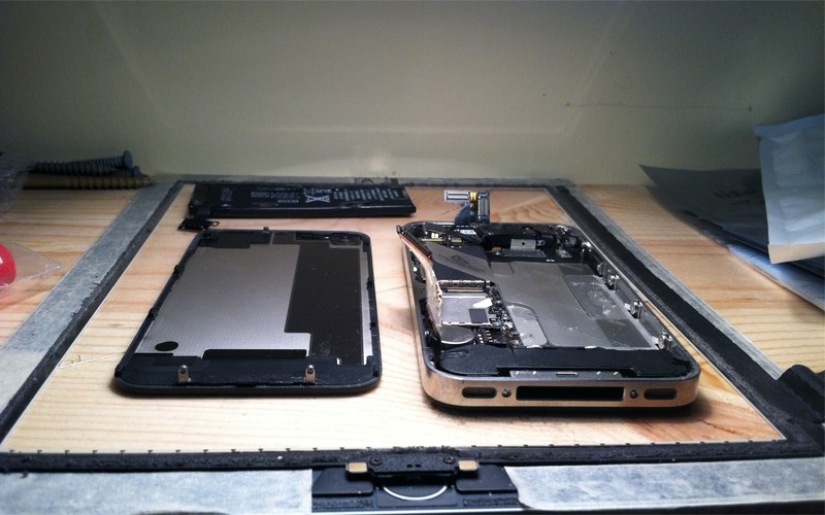
1. Disassemble
First of all, try to get the battery out of the gadget: water that has got here can lead to a short circuit - in this case, the phone cannot be saved. In general, try to disassemble (painlessly) the smartphone into as many parts as possible. With some devices, this will turn out quite simply, but the iPhone will only allow itself to be turned off.
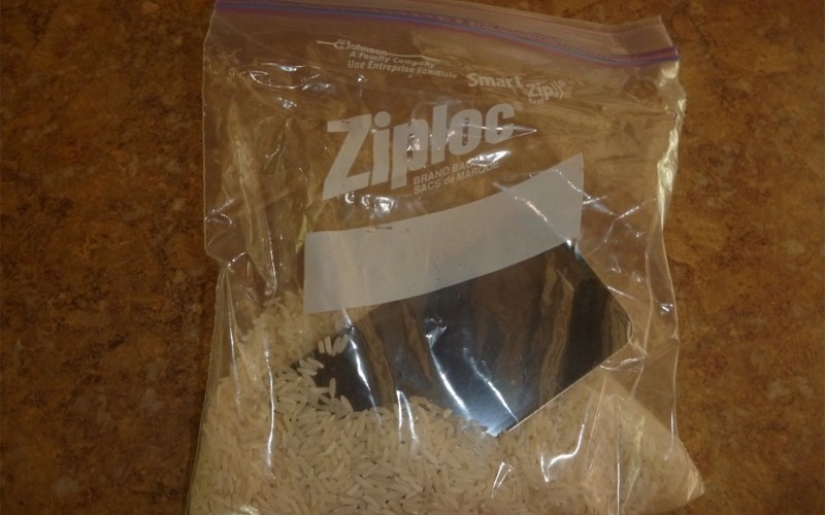
2. Rice
This is one of the most well-known (and really working) ways. Rice absorbs moisture well: put it in a small container, put the phone inside and cover with a lid. Ideally, you need to put the entire structure closer to direct sunlight.
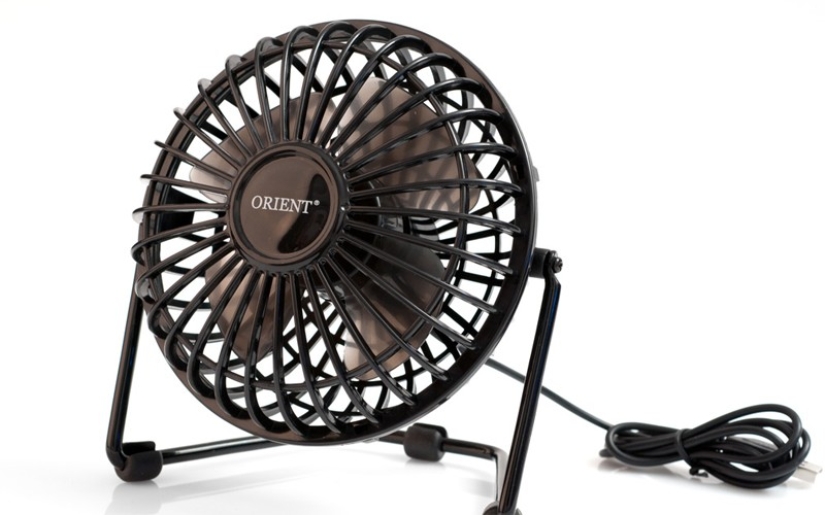
3. Fan
Even an ordinary fan is quite capable of helping a phone affected by water. No need to turn it on at maximum speed: just put the device in front of it and leave it for a while.
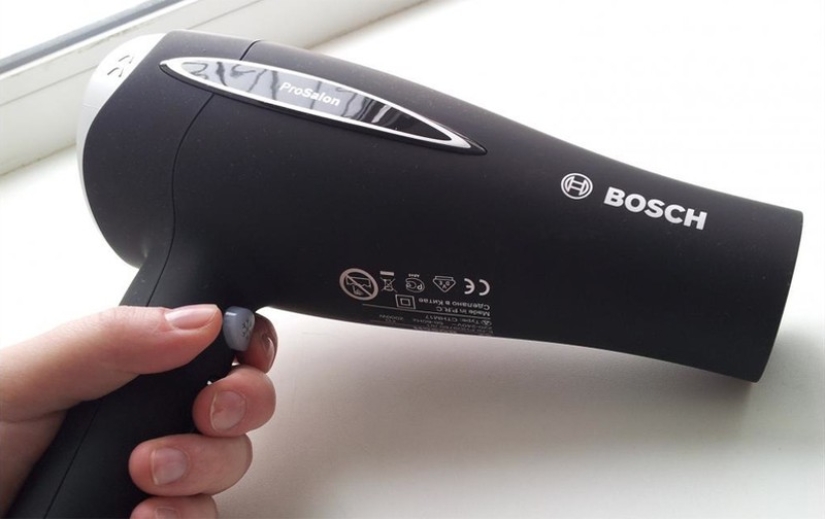
4. Hair dryer
Never use a hair dryer, even on a cold setting. You will be blowing water further and further into the phone, which will oxidize and corrode many important circuits and parts. There can be no talk of any rehabilitation after such a “treatment”.
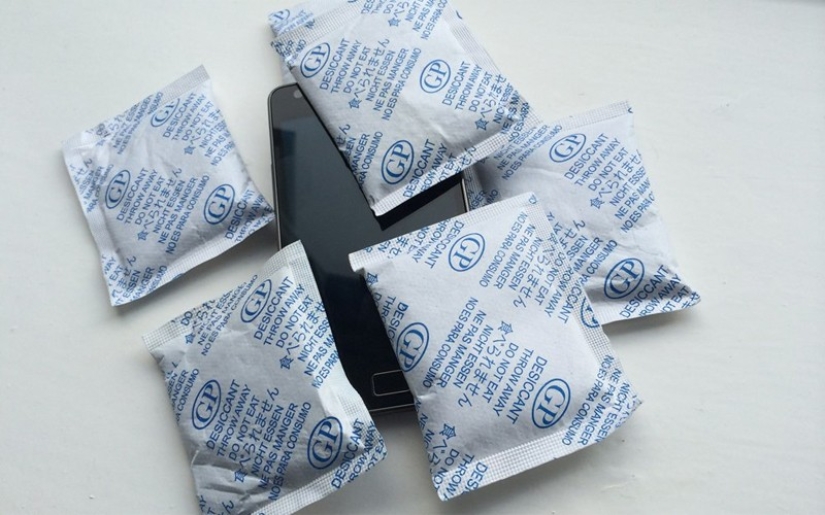
5. Silica gel
Practically no different from the method with rice - but what if you don’t have rice at home, but there are a lot of boxes with new shoes? Silica gel, which is usually packaged in small bags, is in every pair of shoes just to absorb moisture. Place your phone among these bags, leave it in the sun and wait with your fingers crossed.
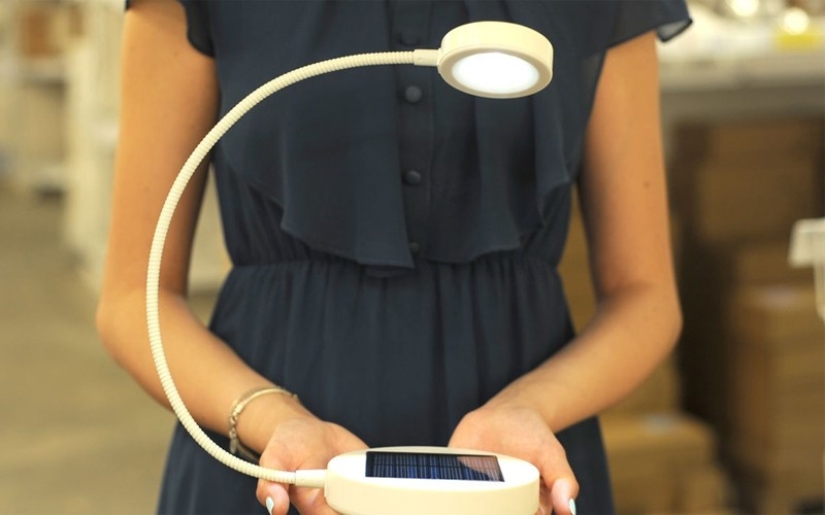
6. Lamp
If there is winter around and there is not a single ray of sunlight nearby, use an ordinary lamp. Place your smartphone on several absorbent paper towels (remember to change them often), turn on the lamp and leave it overnight.
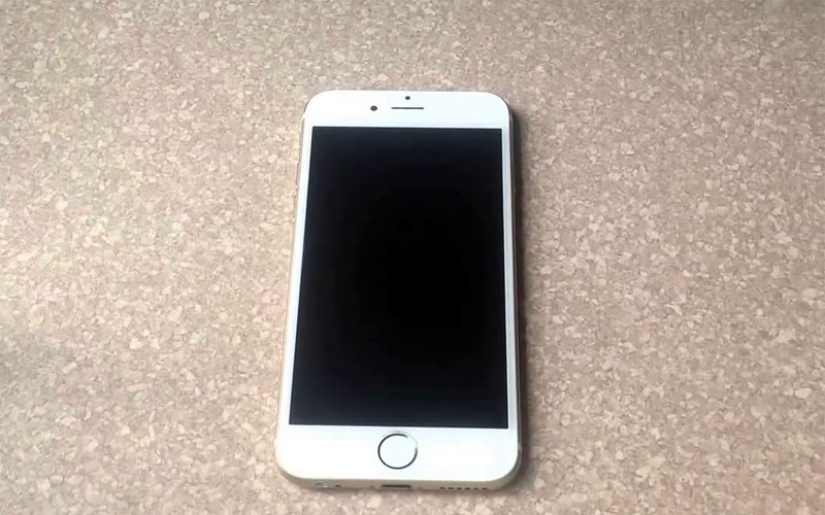
7. Shutdown
No, it's not funny. Many people really rush to check a newly wet gadget. Do I need to say that this does not lead to anything good? If the phone does not turn off after swimming, be sure to turn it off manually. It will be more wholesome.
Keywords: Smartphone | Phone
Recent articles

It's high time to admit that this whole hipster idea has gone too far. The concept has become so popular that even restaurants have ...

There is a perception that people only use 10% of their brain potential. But the heroes of our review, apparently, found a way to ...
Related articles

Each of us has a mobile device with a set of different programs for its intended purpose. When installing the application, we ...

Wedding photographers are always in search of new creative moves and sometimes invented a simple but ingenious techniques. One of ...

Has your smartphone turned you into a mobile zombie? A new study by Japanese scientists has shown that the phone can really make us ...
New Year's is a time to surprise and delight loved ones not only with gifts but also with a unique presentation of the holiday ...