
11 secrets of your Mac that you may not have known
Categories: Life hacks | Technology
By Pictolic https://www.pictolic.com/article/11-secrets-of-your-mac-that-you-may-not-have-known.htmlAdmit it, even if you are an experienced Mac OS user, you may not know all the secrets and tricks of this handy operating system. But everything can be changed! In this edition, we've compiled helpful tips and tricks that can help you work more efficiently on your Mac. From a secret calculator to a tiny but damn useful icon that has been in front of our eyes all this time, we explore and know our Mac again!
(Total 11 photos)
 Source: businessinsider.com
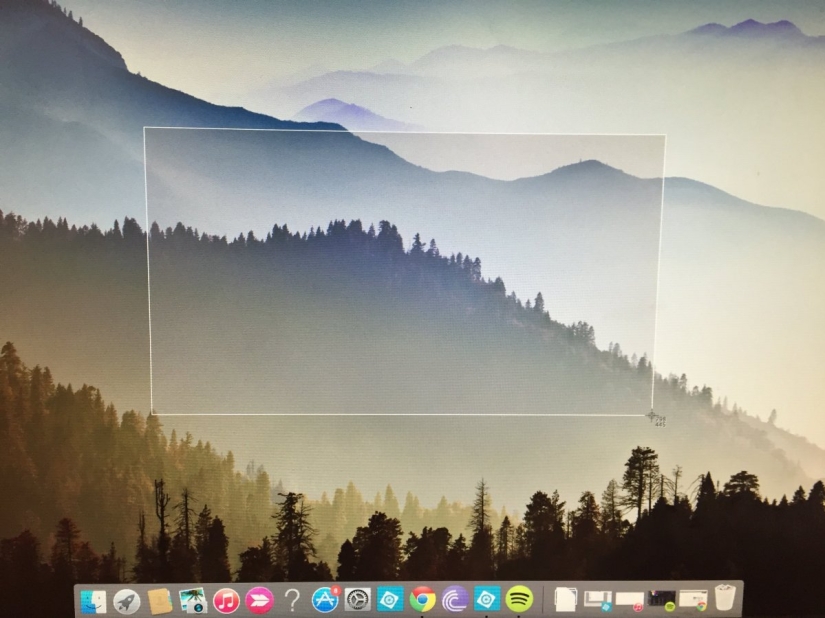
1. Cropped screenshot
Tired of taking screenshots that show more than you need? Hold Command + Shift + 4 and your cursor will turn into a crosshair. Having selected what you need, just release the mouse, and you will save a screenshot of only the selected area of the screen.
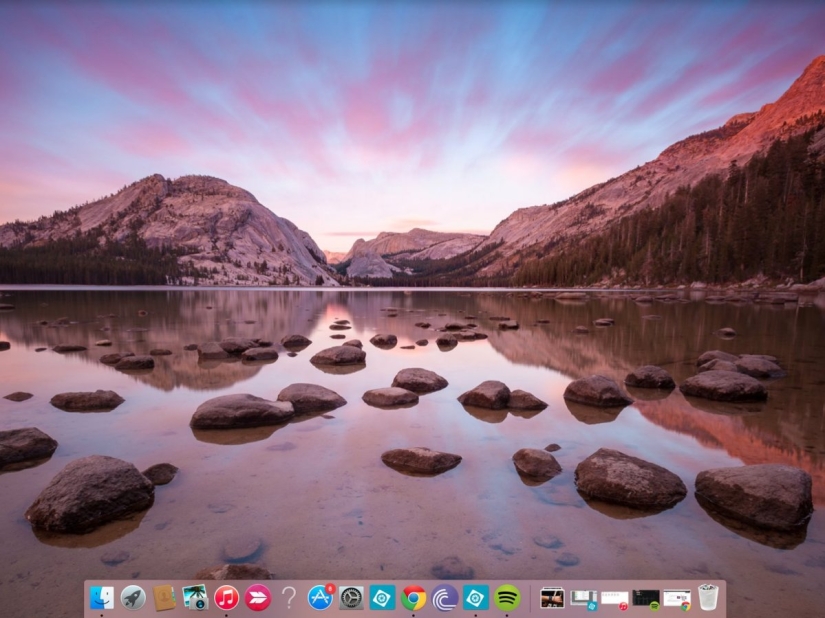
2. Hide/Reveal the Dock
If the dock is bothering you, press Command + Option + D and it will hide. Do you want to return? Just repeat.

3. Invert screen colors
Users of Mac OS X Lion or earlier can easily invert their Mac's display colors by holding Command + Option + Control + 8. This feature was designed for visually impaired people.
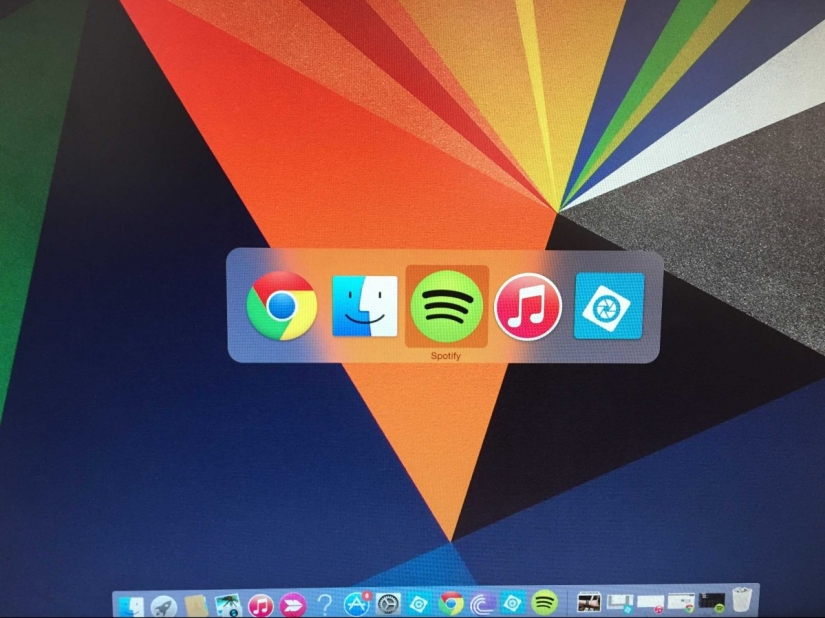
4. Quick panel control
If you have many applications running and need to navigate to or close one of them, hold down the Command button and press Tab to view your running applications. The Q key closes applications, the H key makes their icons smaller.
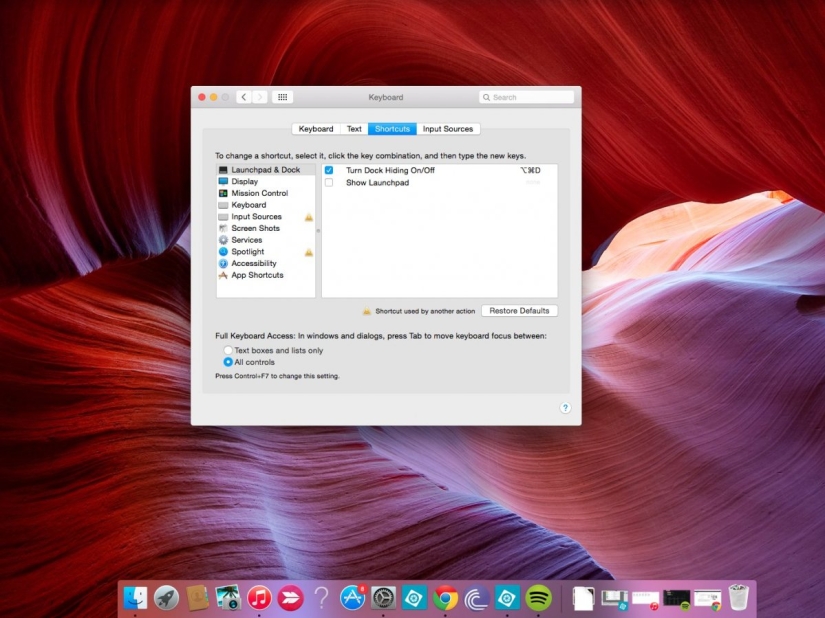
5. Never skip input fields in an online form when using tabs
When you're filling out online order forms, tabbing through input fields often skips drop-down lists in menus like "month" or "year." To prevent your computer from missing them, simply open System Preferences => Keyboard => Keyboard Shortcuts and select All Controls under Full Keyboard Access.
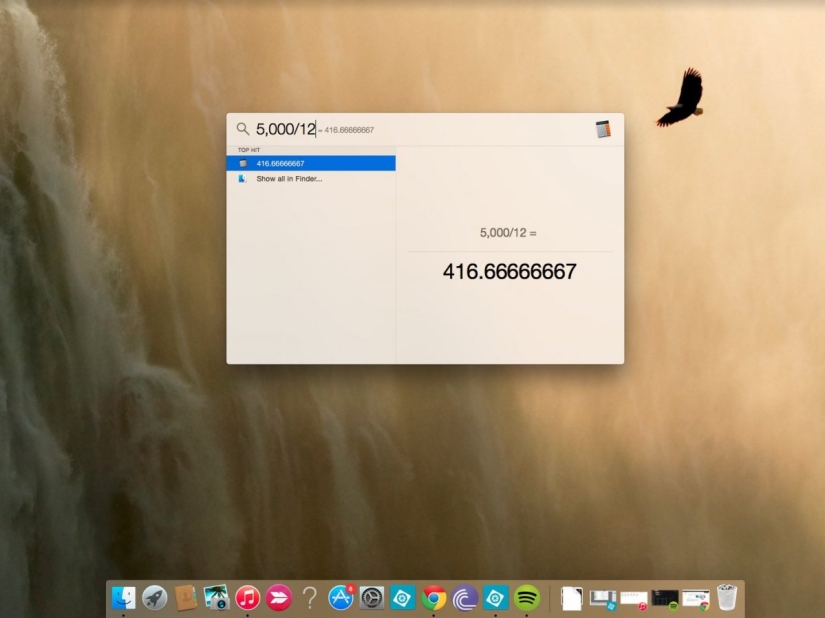
6. Use Spotlight search as a calculator or for quick access to Wikipedia
Simply pressing Command + Spacebar will activate Spotlight search, allowing you to quickly browse documents, apps, music, and websites - even Wikipedia. But the real secret is that this search engine is capable of doing basic math, so if you need to divide or multiply something, just type it in the search bar!
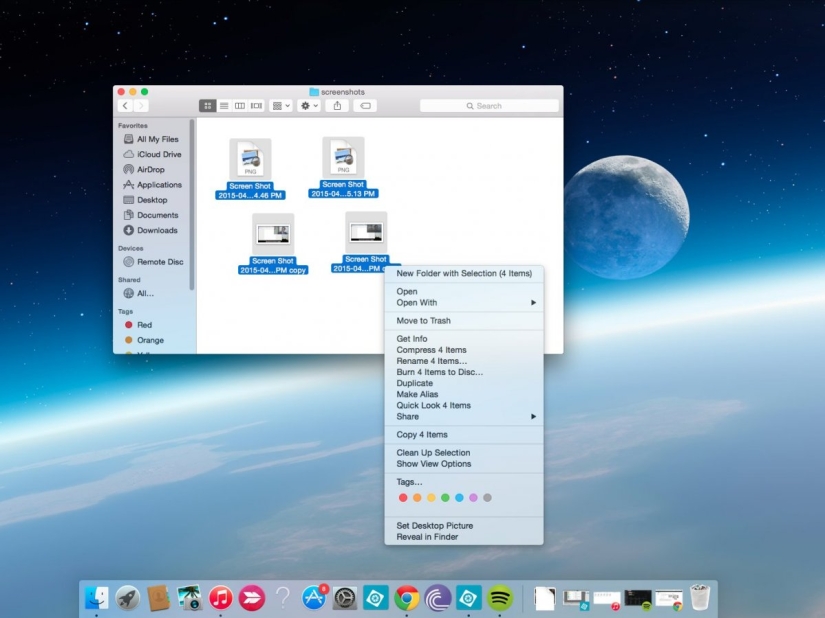
7. Easily group files into one folder
If you have a cluttered desktop, one little hotkey can instantly gather all your files into one folder. Just select the files you want to collect or right-click on them and choose "New folder with selection".
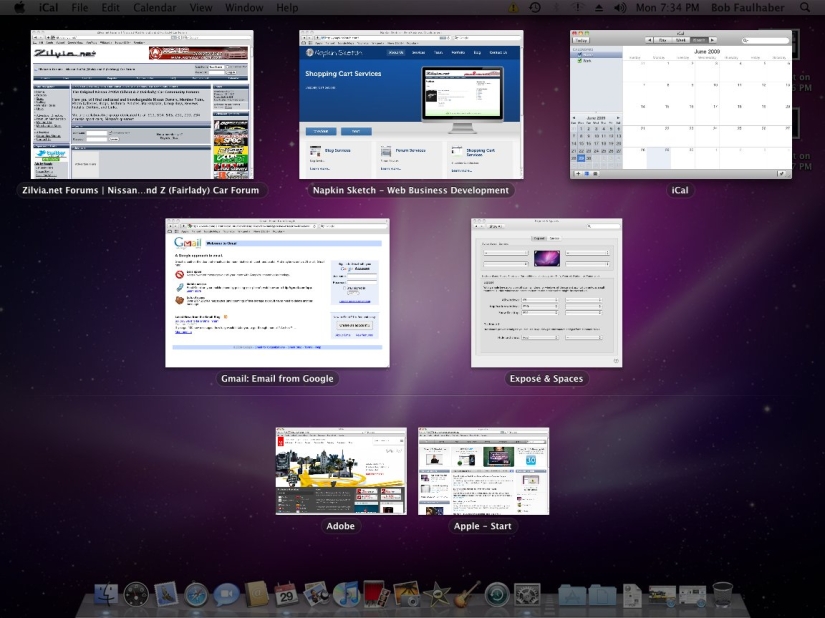
8. Exposé in slow motion
The Exposé quick app selection tool can be made to run in slow motion if you have an earlier version of OS X. Simply hold down the Shift key and then press the Exposé key (usually F9, F10, or F11). This can be used for smoother switching between windows.

9. Secret icon in plain sight
When you save a Word, Pages, or PowerPoint document (as well as most other types of documents), you'll see a small icon at the top of the toolbar next to the document's name. It can be used as a regular file icon and dragged anywhere - and the file itself will move with it.

10. Switch between site tabs without a mouse
To quickly switch between browser tabs, simply hold down the Control key and press Tab.

11. Type the Apple symbol in an instant
You can create an Apple logo on any Apple computer. Just hold down the Option + Shift + K buttons.
Recent articles

It's high time to admit that this whole hipster idea has gone too far. The concept has become so popular that even restaurants have ...

There is a perception that people only use 10% of their brain potential. But the heroes of our review, apparently, found a way to ...
New Year's is a time to surprise and delight loved ones not only with gifts but also with a unique presentation of the holiday ...